Start project creation
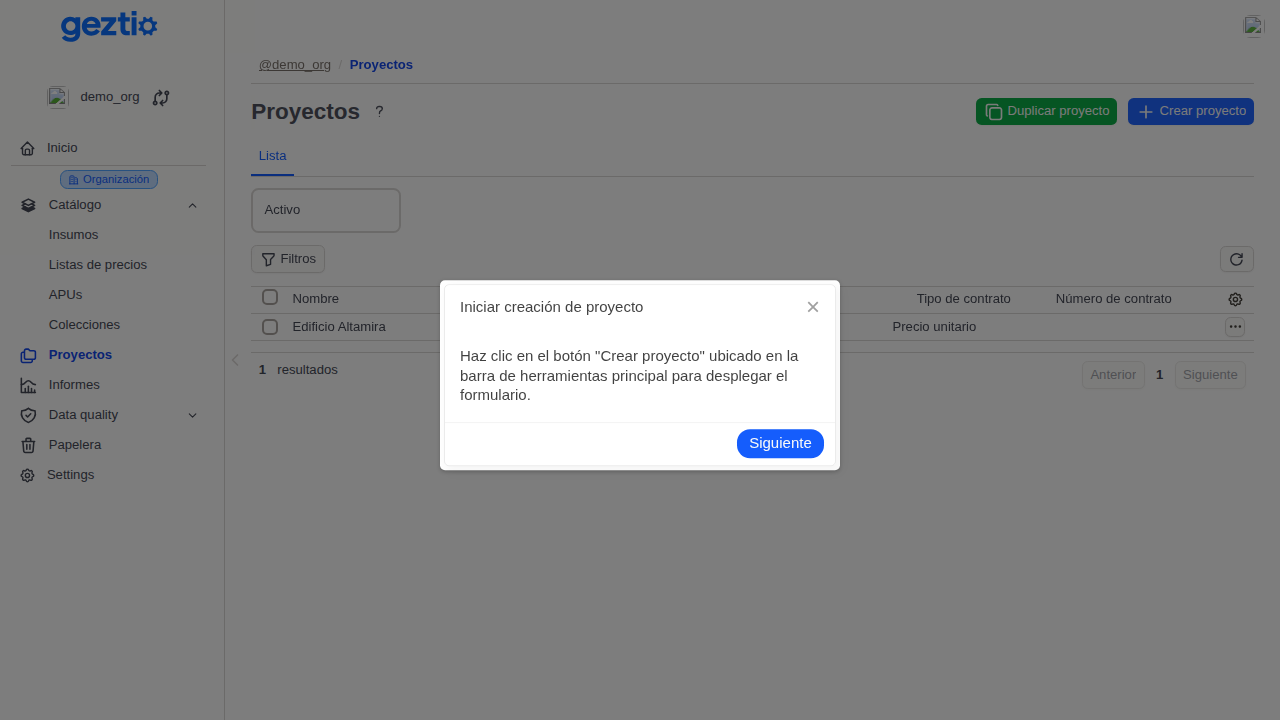
Click on the "Create project" button in the main toolbar to open the registration form.
You can also duplicate an existing project with the adjacent button to clone its structure.
Learn how to create and configure a new construction project in Geztio from scratch.
Have project creation permissions in the organization (Admin or Editor role).
Click on the "Create project" button in the main toolbar to open the registration form.
You can also duplicate an existing project with the adjacent button to clone its structure.

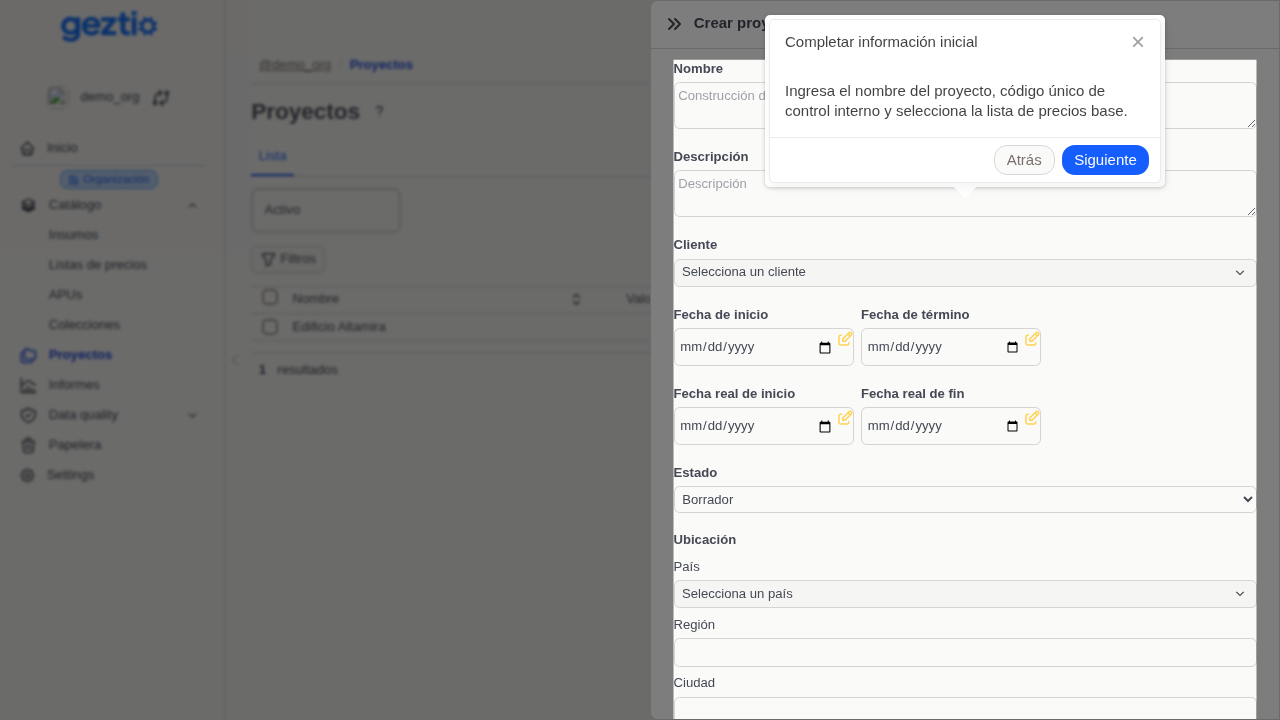
Enter the project name, unique internal tracking code, and select the default price list.

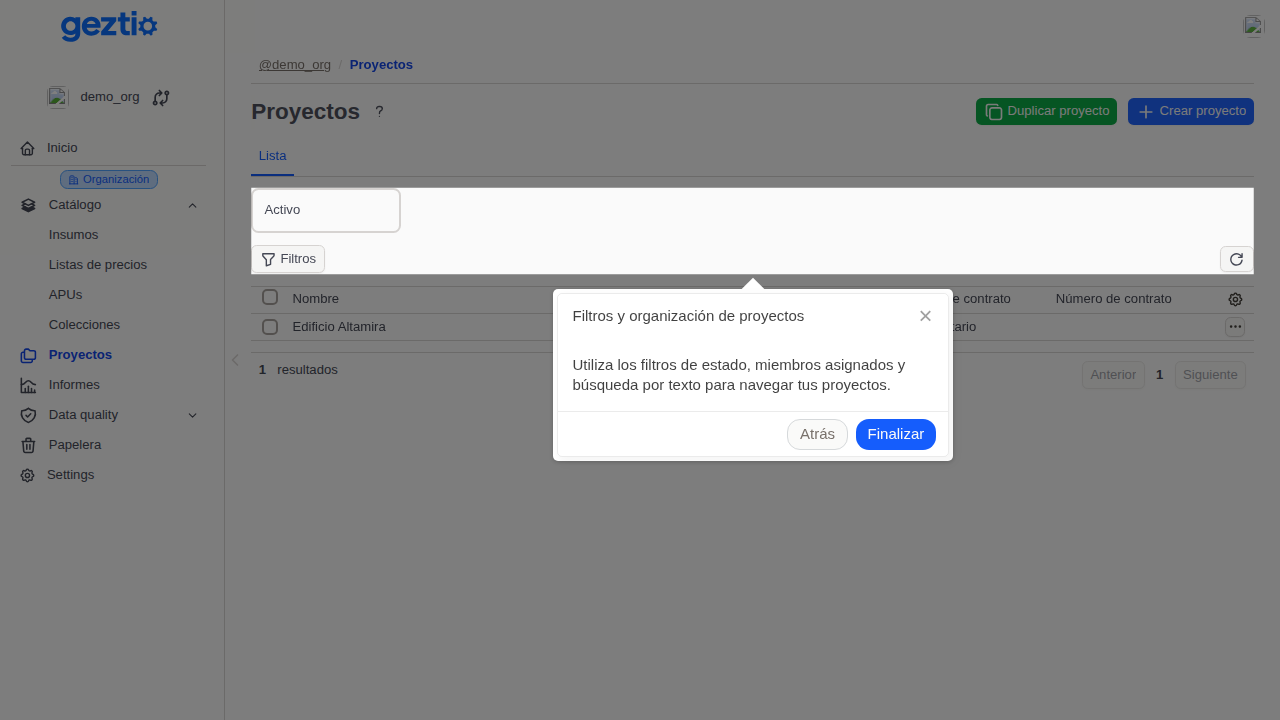
Use status filters, assigned members, and text search to navigate your projects.

Was this guide helpful?
Help us improve our documentation with your feedback.