Product
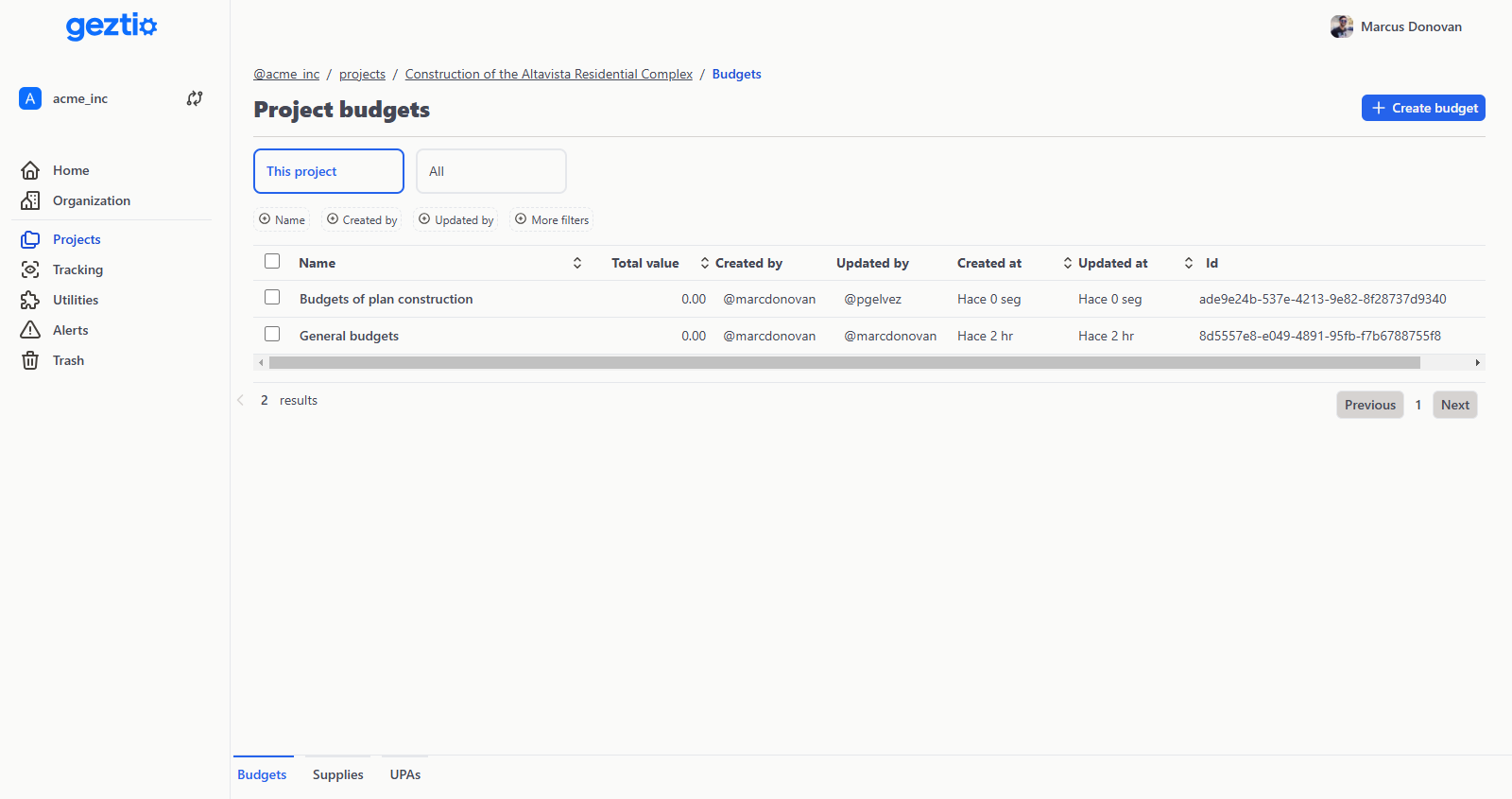
Budgets
Build, price and defend a budget that mirrors how the project is really organized.
Chapters and structure
Organize the budget by chapters, not by loose rows
Nest chapters as deep as the project needs, reorder items without breaking totals, and let every subtotal roll up on its own.
- —Nested chapters. Unlimited depth, with subtotals that recompute on their own.Basic
- —Automatic numbering. Codes are recalculated per level, and a code you typed or imported is left untouched.Basic
- —Reorder without losing totals. Move budget items and closure lines and the tree rebuilds itself.Basic
- —Quantities by location. Split one item's quantity across towers, floors or units.Basic
Pricing and approval
Decide what the client sees and what you take home
Set overhead, contingency and profit once, add the closure lines the contract demands, and freeze the whole thing as an approved version when the client signs off.
- —Overhead, contingency and profit. Configured on the budget and inherited by every scenario and version.Basic
- —Closure lines. Percentages over direct cost, over a named subtotal, over a chapter or over an item, plus fixed amounts.Basic
- —Cost and price side by side. What the work costs you and what it is worth to the client, kept as two separate columns.Basic
- —Scenarios and approved versions. Compare alternatives, then freeze the one that becomes the baseline.Pro
Ready to test with your own estimates?
Start your 30-day free trial with full access. No credit card required.