Product
Projects
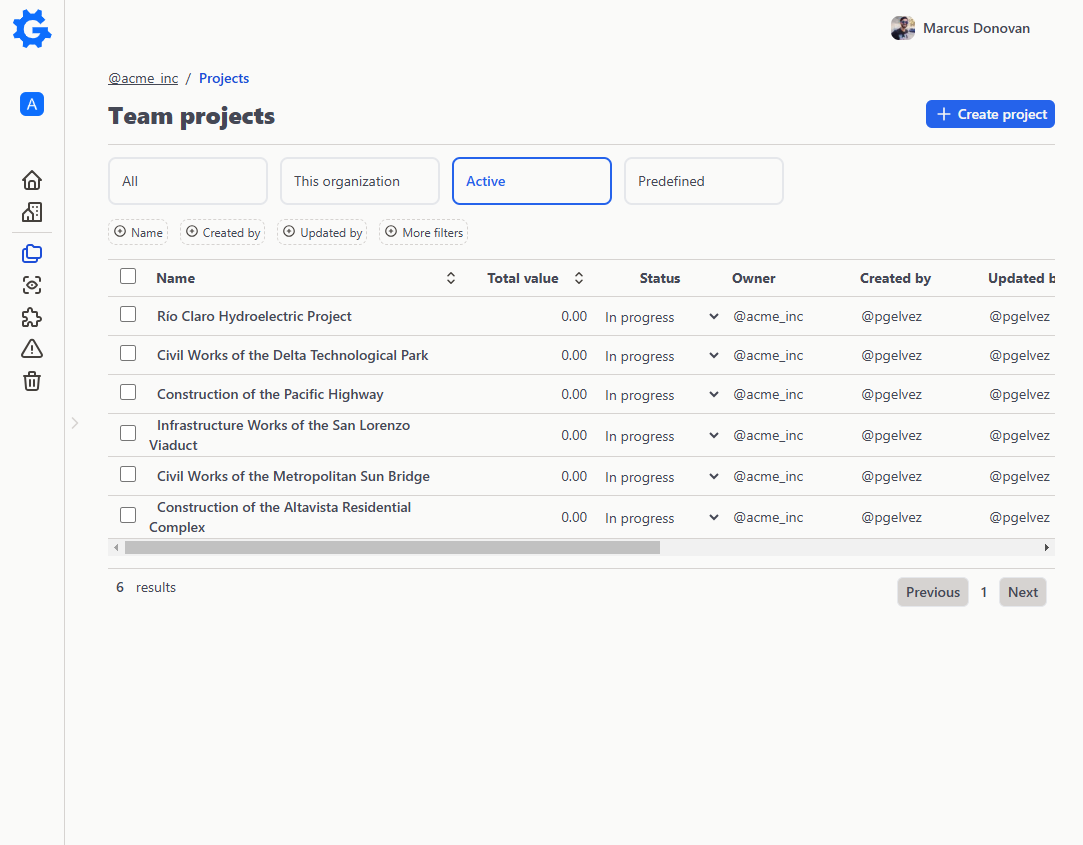
The container around the numbers: client, scope, locations and site progress.
Scope and locations
Every project with its client, its contract and its physical breakdown
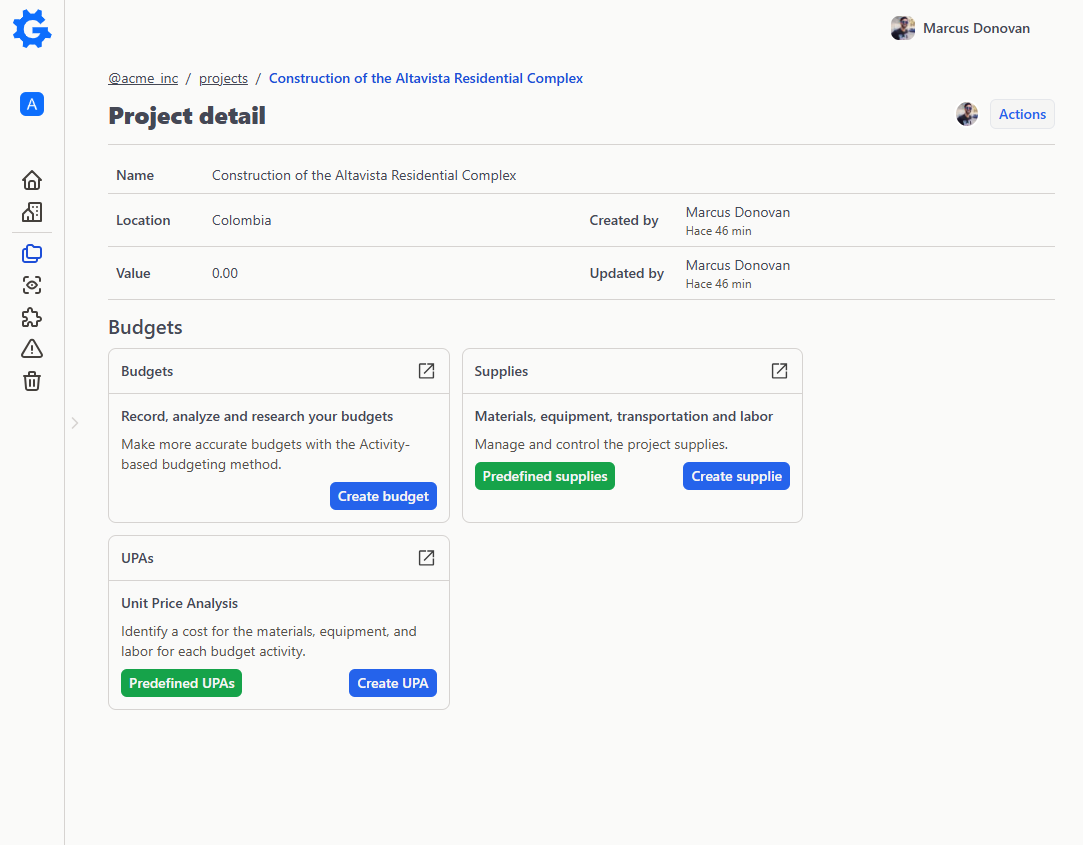
Record who the project is for and under what contract, then break it into towers, floors and units so quantities and progress land where the work actually happens.
- —Clients and contract data. Contract type, number, value and signing date on the project itself.Basic
- —Location breakdown structure. Towers, floors, units — with your own level names per project.Basic
- —Area, volume and length per location. Ready for proration, and with a slot for the IFC reference.Basic
- —Duplicate a project. Reuse a whole project setup as the starting point for the next one.Basic
Progress and certificates
Measure what was actually built, cut by cut
Record progress against the approved baseline, close each period and generate the payment certificate with retainage and advance amortization already applied.
- —Work fronts and crews. Attribute each measurement to a physical front and to the crew that did it.Basic
- —Progress cuts against baseline. Each period points at the approved budget version it is measured against.Pro
- —Append-only measurements. A correction is a new entry, never a silent edit of the old one.Pro
- —Payment certificates. Executed value, markup, advance amortization, retainage and net value.Pro
Ready to test with your own estimates?
Start your 30-day free trial with full access. No credit card required.